Text to speech for Mac
Highlight any text, file, or folder. Follow along or listen in the background. Nothing is uploaded. No account required.
Hold option⌥ as you select text in any app, and listen.
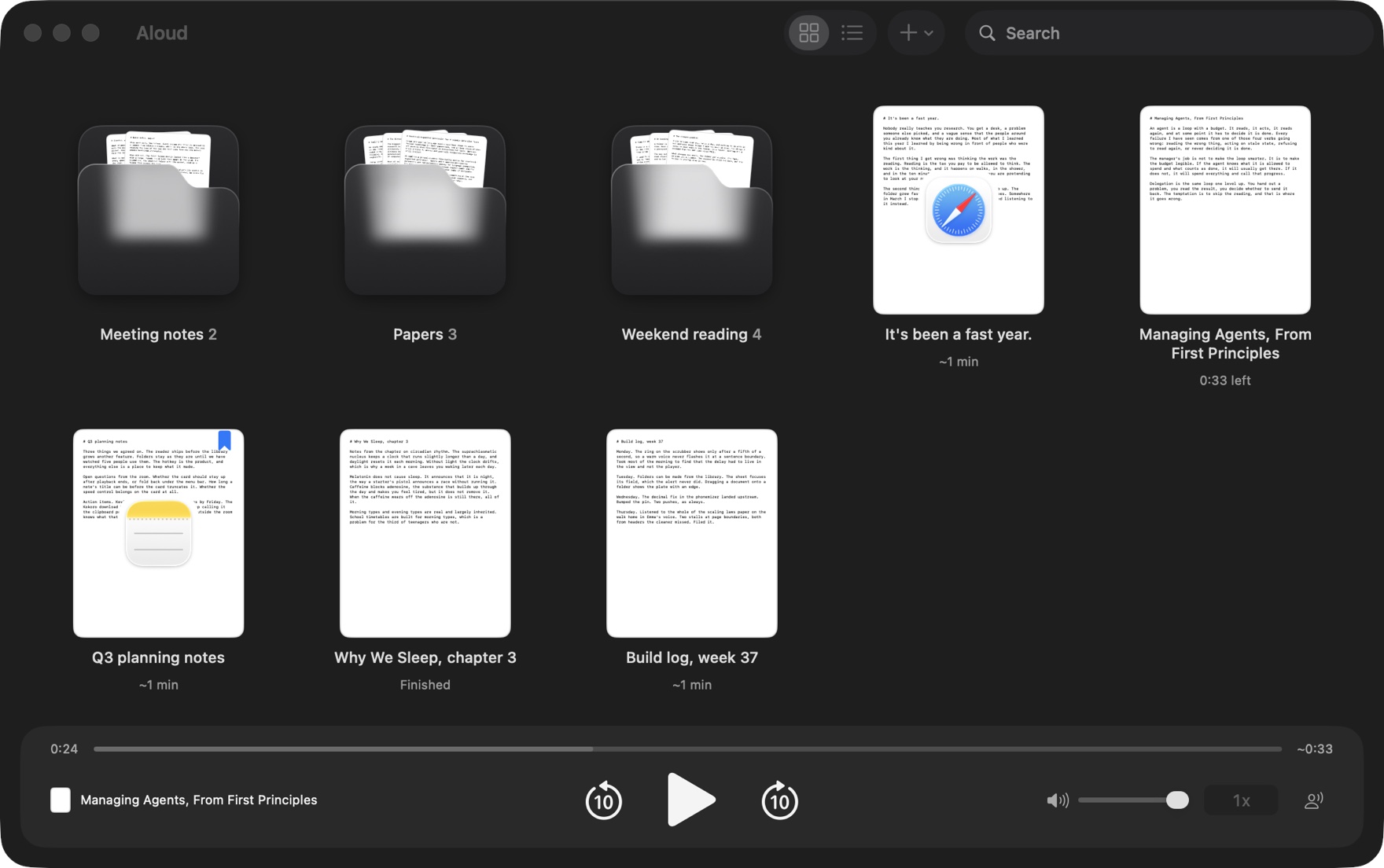
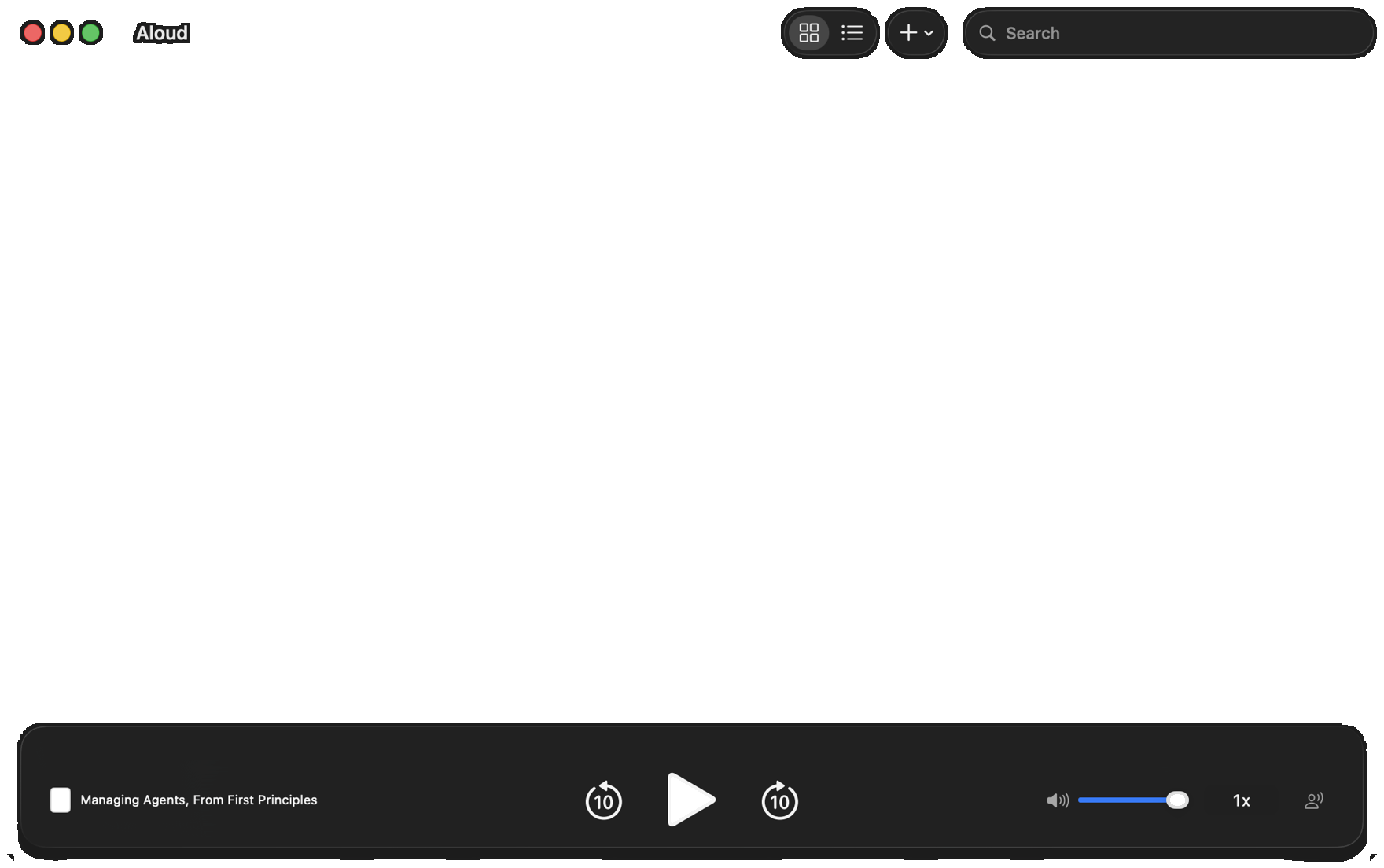
In a society of decreasing literacy, help your attention span: listen along to long texts, multitask podcast-style, and save memorable notes. Aloud gives every piece of text a voice.
Papers come out clean, Markdown is read as prose, and anything you can select can be heard. Here is the whole gesture.
Keep Option down in any app. Safari, Mail, Slack, Preview, Obsidian. Anywhere you would normally read.
Drag across it, double-click a word, or triple-click a paragraph. When you let go, a small card drops down under the notch wearing the icon of the app it came from.
 It's been a fast year.
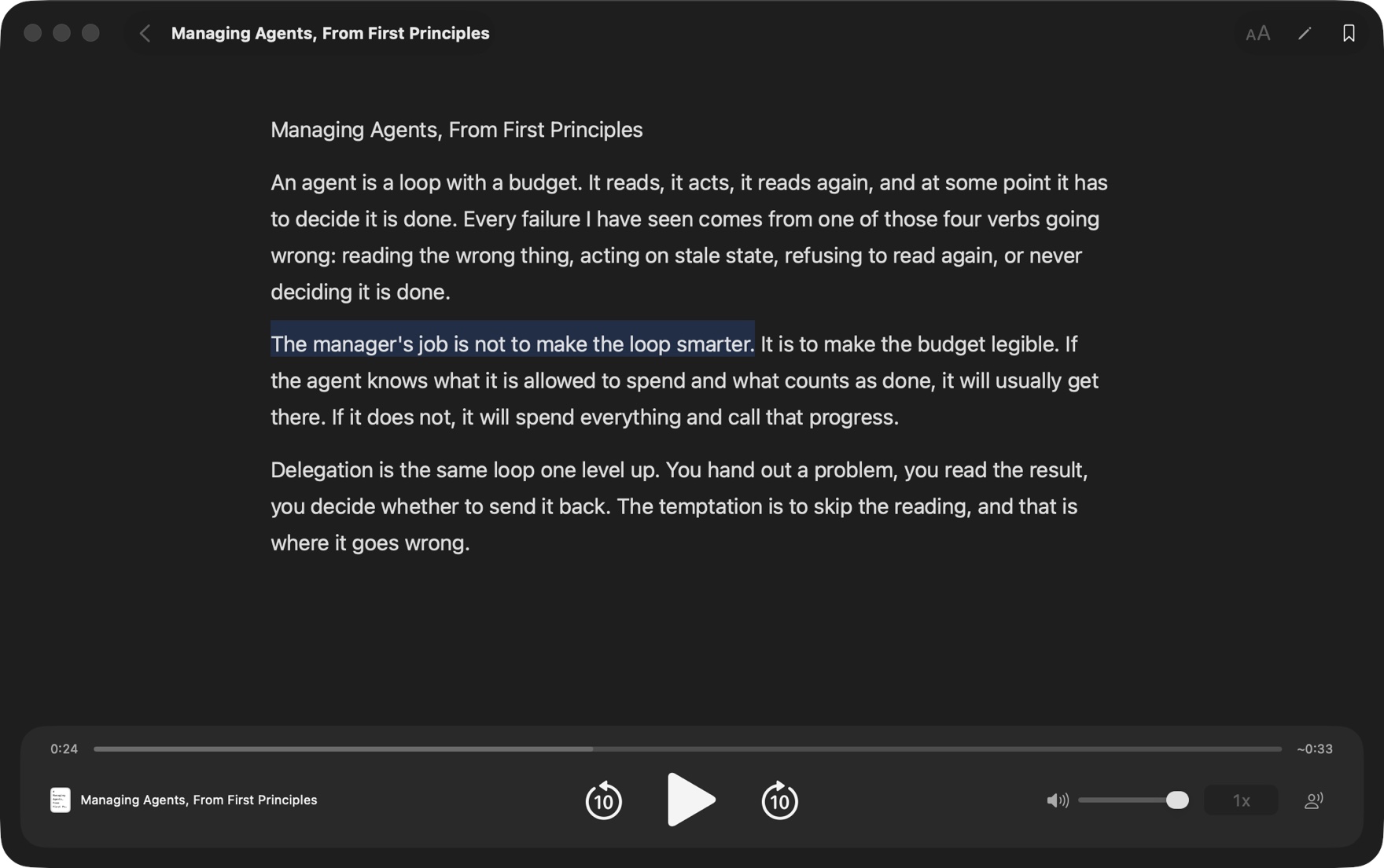
The voice starts on its own. The card holds the sentence being read, each word lit as it is said, and the reading carries on after you close the window.
Aloud reads .md, .txt, and .pdf where they sit and never copies or uploads them. Make a folder from the library and drag documents into it. Each folder shows the first pages of what is inside over the lip of its pocket, so you can tell your papers from your meeting notes from across the room.
The sentence being read is highlighted as the voice moves through it. Click any sentence to jump there. Skip back or forward 10 seconds, always to a sentence boundary, and change speed on the sentence you are on. Every document remembers where you stopped and is marked Finished at the end.
Close the window and the voice carries on. The menu bar player shows the sentence being read and changes the voice, the speed and the level without the window. The media keys and AirPods work, the Now Playing card in Control Center shows what is playing, and it pauses when you unplug your headphones.
The sentence and the word being read are highlighted. Click any sentence to jump to it.
Running headers, page numbers, and hyphen breaks are removed before the voice sees them.
Every document picks up where you stopped and is marked Finished at the end. Bookmark from the reader or its card.
Seven neural voices Apple does not ship, four American and three British. One download of about 160 MB, then they run entirely on your Mac.
Headings, lists, links, and tables come out the way a person would say them. Code blocks can be skipped.
From 0.5× to 3×, a quarter apart. Skip back or forward 10 seconds, always to a sentence boundary.
Preview any system voice before picking one, with seven recommended voices at the top of the list.
No account, no upload, no telemetry. Your files and the text you select stay on your Mac.
Titles and full text across every folder, as you type. Select cards like Finder, and act on the whole selection at once.
Aloud is text to speech for your Mac. It reads anything you select, and the notes, papers and PDFs in your folders, with voices that run on the Mac itself.
Hold Option as you select text in any app, such as Safari, Mail, Slack, Preview or Obsidian, and Aloud starts reading when you let go. Or select first and press ⌥ Space, which can be rebound in Settings. The first time, Aloud asks for the Accessibility permission, which is what lets it read a selection.
Any text you can select in any app, web pages included, where a selected list or table keeps its items and rows. In the library it reads the Markdown, plain text and PDF files in the folders you add, Obsidian vaults included. PDFs lose their running headers, page numbers and hyphen breaks before the voice reaches them, and Markdown's headings, lists, links and tables are read the way a person would say them.
Every voice already on your Mac, each of which you can preview before picking it, with seven recommended voices at the top of the list. Aloud adds seven Kokoro voices too, neural voices Apple does not ship: four American and three British.
No. Everything is read on your Mac, with the voices on your Mac. Files are read where they sit and never copied or uploaded, and there is no account, no analytics and no tracking. Aloud goes online for three things only, all to aloud.work: checking for updates once you allow it, downloading the Kokoro voices if you choose one, and renewing a subscriber's key.
Yes. Every voice speaks on your Mac, so reading needs no connection. The Kokoro voices are one download of about 160 MB, and run offline from then on.
Spoken Content, in the Mac's Accessibility settings, speaks a selection when you press a shortcut. Aloud starts reading the moment you select with Option held, keeps a library of your folders that remembers where you stopped in every document, cleans PDFs and reads Markdown as prose before speaking, and adds the Kokoro voices.
Any Mac with Apple silicon running macOS 26 or later.
Aloud is free to try for 7 days, with everything in it and no account or card. After that, the library, the reader, search, bookmarks, every speed and every voice already on your Mac stay free for good. The Kokoro voices, ⌥ Space and reading as you select with Option held need a paid key, which the terms describe.

Hold Option as you select some text, or add a folder.
Reading a selection asks for the Accessibility permission the first time.
Requires macOS 26 and Apple silicon.